MFA & Passwordless

The factors that can't be phished,
next to the ones people already have.

Two families of factor. The phishing-resistant ones: passkeys, security keys, document-based identity verification. And the familiar ones your people already carry: authenticator apps, one-time codes, hardware tokens. Monokee runs all of them through open standards and technology partnerships, and lets you choose — per application and per level of risk — which one a user actually sees, so the strongest proof shows up where it is worth the interruption and stays out of the way everywhere else.

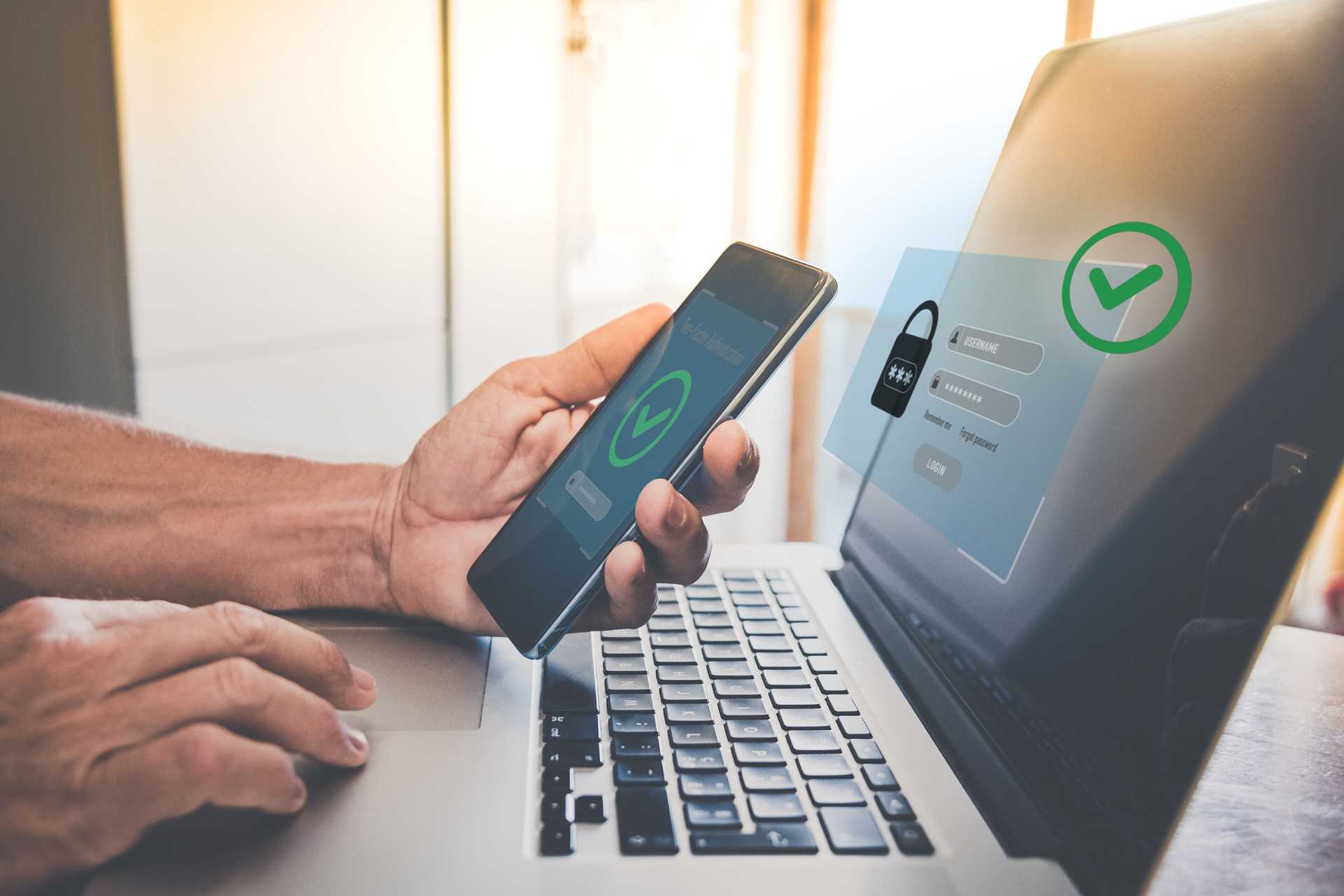
USERNAMERemember meForgot passwordLOGINAPPROVE
What you can turn on

Four kinds of proof, one platform

Monokee does not ship a single authenticator and call it a strategy. It integrates the ones that already exist, so you can put the strongest available factor in front of each population without waiting for every device in the estate to be ready.

Phishing-resistant

Passkeys and security keys

FIDO2 and WebAuthn are spoken natively: the passkey built into a laptop or phone, and roaming security keys for the people who need one. The browser signs a challenge bound to the real site, so a proxy sitting in the middle has nothing to forward. Where the device allows it, this is the one to reach for.

Already in everyone's pocket

Authenticator apps

Microsoft Authenticator and Google Authenticator, for one-time codes and push approval. Most people already have one installed, which makes them the fastest way to get a real second factor in front of an application this quarter — and a sensible companion where a passkey is not possible yet.

Proves the person

Identity verification and KYC

Document capture and recognition, checks against the machine-readable zone and the chip, and liveness-checked facial matching against the photo on the document. It covers the two moments where no credential exists to fall back on: onboarding somebody the organisation has never met, and re-proving somebody who has lost the only thing that identified them. Verification providers plug into the journey as steps, so the check happens inside the flow rather than in a portal of its own.

Fallback, not first choice

Email, SMS and voice tokens

One-time codes by SMS or voice, codes and magic links by email, and hardware OTP tokens are all available, because for some populations and some legacy systems they are the only thing that works today. Their weaknesses differ: a code crossing a carrier or a mailbox can be redirected or simply read, and a magic link is worth exactly what the inbox it lands in is worth, while a hardware token at least keeps the secret in the user's hand. None of them survive a page that relays what the user enters. Useful as a fallback inside the flow — worth a plan to leave behind.

Everything above is reached through open standards, so an authenticator you adopt stays yours and an identity provider you already run does not have to be replaced to be included.

What you are actually defending against

Four attacks, and what each one really needs

Turning MFA on stops the oldest attack — somebody trying a password that leaked somewhere else. These four are the ones that decide whether it was the right MFA.

Real-time phishing

A convincing copy of the login page relays the password, the code and the approval to the real site as fast as they are entered — and keeps the session that comes back.

What answers it

Put a passkey in the journey. The signature is bound to the origin the browser is actually on, so there is nothing worth relaying.

SIM swap

The number is moved to somebody else's SIM, or the message is intercepted on the way, and the second factor arrives at the attacker instead.

What answers it

Keep the factor on the device. Authenticator apps, passkeys and facial verification never travel through a carrier at all.

Approval fatigue

Somebody with the password triggers approval after approval, at three in the morning, until a tired person taps to make it stop.

What answers it

Prefer a factor that takes a deliberate act — a key to touch, a face to present, a number to read off the screen — over a bare accept button.

Stolen session

After a flawless sign-in, the token in the browser is copied by malware or by the proxy above, and replayed from somewhere else.

What answers it

No authentication method helps here, including ours. Session lifetime, device binding and central revocation do — and that is access management, not MFA.

The fourth one lives here

Where the factor is decided

MFA is not a switch. It's a branch in the journey.

On the Monokee canvas the second factor is a node like any other, so the question stops being "do we have MFA" and becomes "who gets asked for what, and when". A known laptop on the corporate network and a payment authorised from a new phone do not need the same proof, and one global policy cannot express both without punishing everyone for the strictest case.

Access requestany applicationRisk and contextWHOWHEREWHATStraight throughknown device, low riskCode or pushnew device or locationPasskey or facepayment, admin action

A different answer per application

The flow is attached to a specific application or API, so the assurance asked of the user matches what is behind it. Raising it for one system does not mean raising it for all of them.

Step-up only where it buys something

An extra factor on an unrecognised device or an unusual transaction is worth the interruption. The same step on every routine sign-in only trains people to click through it.

Change it without a release

A new fraud pattern or a new regulation becomes an edit to a diagram that can be reviewed and versioned, not a ticket for whoever owns the application.

See the canvas this runs on

The other two doors

A credential is only as strong as the day you replace it

Every credential has three moments: the day it is enrolled, the thousands of times it is used, and the day it is lost and replaced. Almost all the attention goes to the middle one.

If somebody can register a new authenticator from a session protected by nothing but a password, an attacker holding that password can register theirs — and now they have a phishing-resistant credential, issued by you. If the way back in after losing a phone is a security question, then that question is the real authentication method, because it is the one that will be attacked.

Both are journeys on the same canvas as the login, which is the point: they get designed, reviewed and versioned instead of being improvised once. And because identity verification is available as a step in the same flow, proving the actual person — document plus liveness — is on the table: the strongest answer there is to "I have lost the only thing that identified me".

  • Enrol a second credential while the user is already proven, not after they are locked out
  • Never let the recovery path be weaker than the login path it restores
  • When no credential is left, verify the person with a document and a liveness check rather than asking what they remember
  • Administrator-issued codes that are single-use, time-boxed and logged
Sign-inpasskeyEnrolmentoften just a passwordRecoverya security questionThe credentialthree ways inEverything behind itapps, data, transactions
Passwordless

A direction you can start this quarter

Nobody removes the last password in one release, and any vendor who says otherwise has not met your legacy systems. What you can do is stop making people type one, journey by journey, until the credential in the directory is something nobody has used in months.

01

Enrol the passkey next to the password, not instead of it

People register the new credential while they are already signed in and already proven. Nothing breaks on day one, and the population that can go passwordless grows on its own.

02

Shrink the surface before you remove the secret

Take the password out of the journeys that carry the most traffic first. The credential can stay in the directory long after users have stopped ever typing it.

03

Fall back deliberately, not silently

An old browser, a shared device, a system that cannot do WebAuthn: the flow should say what happens next, and the exception should be visible rather than automatic.

Meanwhile, the password is still there

Half your password policy is making things worse

Until the last one is gone, the rules around it matter. Most of what organisations still enforce was written before there was evidence and survives because an auditor asked; the public NIST digital identity guidance has said otherwise for years.

  • StopForce a change every 90 daysStartChange on evidence of compromise, not on the calendar
  • StopDemand one uppercase, one digit, one symbolStartAsk for length: 12 characters minimum, longer and simple beats shorter and cryptic
  • StopLock the account after three wrong attemptsStartAllow at least ten, then a temporary lock that clears itself
  • StopReveal the rules only after the user has failedStartState them on screen before the first attempt, and tick them off as they are met
  • StopAccept anything that satisfies the patternStartCheck every new password against a list of breached and predictable strings
  • StopOffer security questions as the way back inStartProve the person instead — that is what identity verification is for

Every one of these makes the user's life easier and the attacker's harder at the same time. That is unusual enough to be worth checking your own policy against.

Bring us the sign-in you'd least like to see phished

We'll draw it on the canvas with you and show you which factor belongs where.

Ask for a demo